Step 1. mysdworx setup

This step is only required if you do not yet have access to the mysdworx portal. If you already have access, please skip this section and proceed to the Windows setup.
You should have recently received an email titled “Accept your mysdworx invitation” (sent from no_reply@sdworx.com), inviting you to activate your mysdworx account.
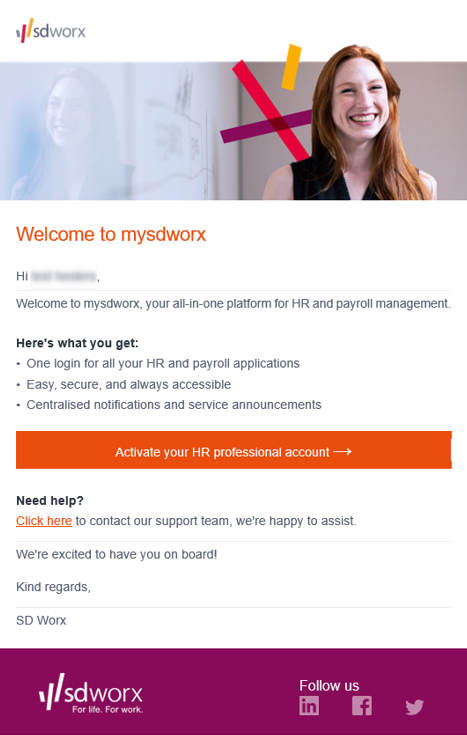
Click on “Activate your HR professional account” in the email and follow the steps below:
- Create an account
- Enter your email address
- Although the disclaimer advises using your personal email address, we recommend using your professional email address instead. This ensures consistency and makes support easier.
- Enter the verification code sent to your email
- Enter your personal details
- Set up your authenticator app
